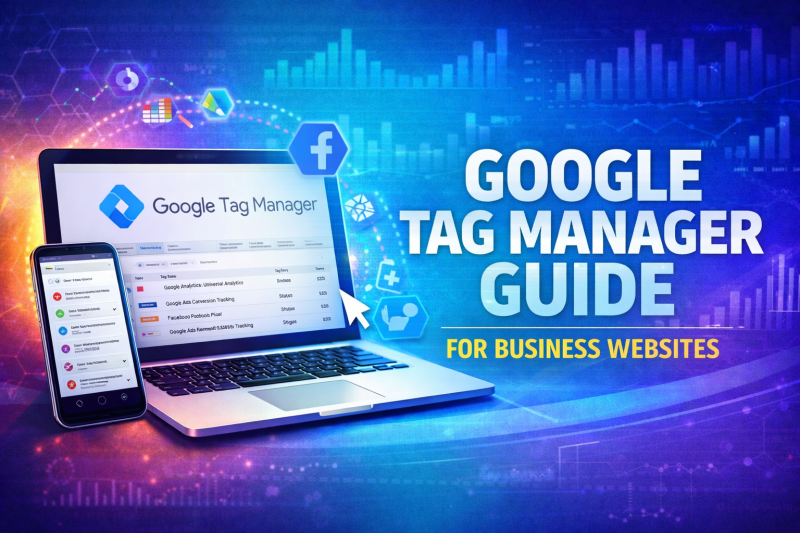
This Google Tag Manager guide explains how businesses can manage website tracking, marketing pixels, and analytics tags without constantly editing their website code.
Many business websites rely on multiple tools to track performance, including Google Analytics, advertising platforms, and conversion tracking scripts. Google Tag Manager provides a structured way to manage these scripts efficiently while maintaining a clean and scalable website environment.
When implemented alongside professional web design in Pattaya and structured SEO services in Pattaya, Tag Manager helps businesses maintain accurate data tracking while reducing technical complexity.
What Google Tag Manager Does
Google Tag Manager (GTM) is a tag management system that allows businesses to add, update, and control tracking scripts on their website without manually editing the site’s source code.
Instead of inserting multiple scripts across pages, GTM acts as a central control panel for tracking technologies.
Businesses commonly use Tag Manager to manage:
• Google Analytics tracking
• Conversion tracking for forms and purchases
• Google Ads remarketing tags
• Facebook Pixel tracking
• Event tracking for user actions
This centralised structure improves website stability and reduces the risk of tracking errors.
Why This Google Tag Manager Guide Matters for Business Websites
This Google Tag Manager guide focuses on practical use rather than technical theory.
Without Tag Manager, businesses often rely on developers every time they need to update tracking scripts or marketing tags. This slows down campaign optimisation and increases the risk of errors.
With GTM properly configured, marketing teams can adjust tracking and implement new tags without disrupting the website itself.
How Google Tag Manager Supports Marketing and SEO
Tag Manager does not directly improve rankings, but it plays a critical role in data accuracy and marketing insights.
By managing tracking correctly, businesses gain reliable data for:
• Conversion tracking
• Campaign performance measurement
• User interaction monitoring
• Marketing attribution analysis
This information helps businesses refine SEO strategies, advertising campaigns, and user experience improvements.
Common Examples of Tag Manager in Action
Businesses use Tag Manager to track meaningful user interactions.
Examples include:
Tracking contact form submissions
Monitoring phone call button clicks
Measuring file downloads or brochure views
Tracking scroll depth on important pages
Monitoring video engagement
Without this level of event tracking, businesses often miss important signals about how visitors interact with their website.
Why Businesses Should Avoid Manual Tracking Scripts
Many websites accumulate multiple tracking scripts over time. These scripts can conflict with each other or slow down page performance.
Using Tag Manager helps solve this issue by centralising all scripts into one controlled environment.
This structured approach reduces errors, improves maintainability, and allows businesses to manage marketing technologies more efficiently.
It also supports ongoing optimisation efforts when paired with professional website management services.
Tag Manager and Website Performance
A common misconception is that Tag Manager slows websites down.
When implemented correctly, GTM actually improves performance management because scripts are loaded in a structured way rather than scattered across multiple pages.
Proper implementation ensures that tags load efficiently without interfering with page speed or user experience.
Do Businesses Need Professional Tag Manager Setup?
Basic installations of Tag Manager are simple, but effective configuration requires careful planning.
Professional setup ensures:
• Accurate event tracking
• Reliable conversion measurement
• Clean data collection
• Integration with advertising platforms
Without proper configuration, businesses risk collecting incomplete or misleading data.
This Google Tag Manager guide highlights why correct implementation is essential for meaningful performance insights.
Even a properly configured tracking setup can be affected by poor server performance. Fast and reliable web hosting Thailand infrastructure helps ensure scripts load correctly, tracking events fire consistently, and users experience faster page performance across desktop and mobile devices.
Google Tag Manager simplifies the way tracking is implemented across your website, but its real value comes from how it connects with other tools. When paired with Google Analytics tracking and Google Search Console insights, businesses in Pattaya can measure performance more accurately, track user actions more effectively, and identify clear opportunities for improvement. For a wider view of how these platforms support visibility, tracking, and growth together, read our Google tools for business growth in Pattaya guide.
Frequently Asked Questions
What is Google Tag Manager used for?
Google Tag Manager allows businesses to manage tracking scripts and marketing tags without manually editing website code.
Does Google Tag Manager affect SEO?
Tag Manager does not directly affect rankings, but it helps ensure accurate data tracking for SEO and marketing decisions.
Is Google Tag Manager difficult to use?
The interface is user-friendly, but proper configuration and event tracking usually require technical knowledge.
Do I still need Google Analytics if I use Tag Manager?
Yes. Tag Manager manages tracking scripts, while Google Analytics processes and reports the collected data.
Can Tag Manager track conversions?
Yes. Google Tag Manager can track form submissions, button clicks, purchases, and other user interactions on a website.
Improve Website Tracking and Marketing Insights
Accurate tracking is essential for understanding how visitors interact with your website and which marketing efforts generate real results.
If your website lacks structured tracking, your marketing decisions may rely on incomplete data.