
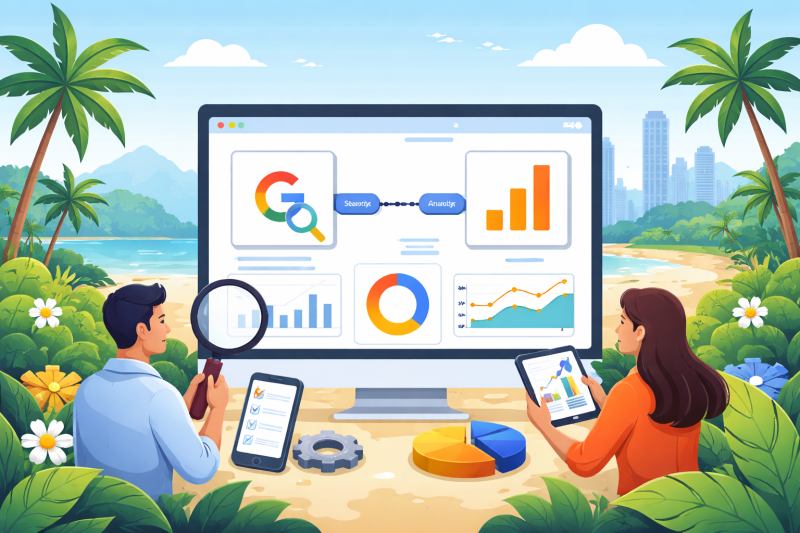
To fully understand your website performance, you need more than one data source. When you connect Search Console and Analytics, you can see not only how users find your website, but also how they behave once they arrive. For businesses in Pattaya, this combined insight helps improve SEO, user experience, and overall conversion performance.
Why You Should Connect Search Console and Analytics
Google Search Console shows how your website performs in search results, including impressions, clicks, and keyword visibility. Google Analytics focuses on what users do on your site, such as pages visited, time spent, and conversions.
When you connect search console analytics data, you gain a complete view of performance. This allows you to:
- identify which keywords drive valuable traffic
- understand how users interact with landing pages
- measure the quality of organic traffic
- improve content based on real behaviour
This combined approach removes guesswork and replaces it with clear, actionable data.
What Data You Can See After Connecting
Once connected, Analytics will display Search Console data within dedicated reports. This includes:
- search queries bringing users to your site
- landing pages ranked in Google
- click-through rates from search results
- impressions and visibility trends
You can then match this data with user behaviour such as bounce rate, session duration, and conversions. This is where the real value comes from — understanding not just traffic, but performance.
How to Connect Search Console and Analytics
The setup process is straightforward:
- Ensure both Google Search Console and Google Analytics are properly configured
- Open Google Analytics
- Navigate to Admin settings
- Select the correct property
- Find “Search Console Links”
- Link your verified Search Console property
Once connected, data will begin to populate within Analytics reports.
If you need help setting up either platform, see our Google Search Console guide for Pattaya businesses or Google Analytics guide.
Common Mistakes to Avoid
Many businesses connect the platforms but do not use the data correctly. Common issues include:
- linking the wrong property or domain version
- not verifying Search Console properly
- ignoring landing page performance
- focusing only on traffic instead of conversions
It is also important to ensure your tracking is accurate. A structured Google Tag Manager setup helps maintain clean and reliable data.
How This Improves SEO Performance
When you connect search console analytics, you can identify which keywords bring users who actually convert. This allows you to:
- prioritise high-performing search terms
- improve content that attracts low-quality traffic
- optimise landing pages for better engagement
- refine your SEO strategy based on real results
This is where SEO becomes data-driven rather than assumption-based.
How This Fits Into Your Overall Strategy
Search Console and Analytics are two of the most important tools in your digital setup, but they are most effective when used together alongside other platforms.
For a full overview of how these tools work together, read our Google tools for business growth in Pattaya guide.
Conclusion
Connecting Search Console and Analytics gives you a much clearer understanding of your website performance. Instead of analysing search visibility and user behaviour separately, you can combine both to make smarter decisions.
For businesses in Pattaya, this means better SEO, improved user experience, and stronger long-term results.
FAQs for Better Insights
How long does it take for data to appear after connecting?
It usually takes a few days for Search Console data to appear in Analytics after linking the accounts.
Do I need both tools to track SEO performance?
Yes. Search Console shows how users find your site, while Analytics shows what they do after they arrive.
Can I connect multiple websites?
Yes, but each website must have its own verified Search Console property and corresponding Analytics property.
Is Google Tag Manager required for this setup?
No, but it is recommended for more advanced tracking and better data accuracy.
Does this help improve rankings?
Indirectly, yes. It helps you make better SEO decisions based on real data, which can improve performance over time.